
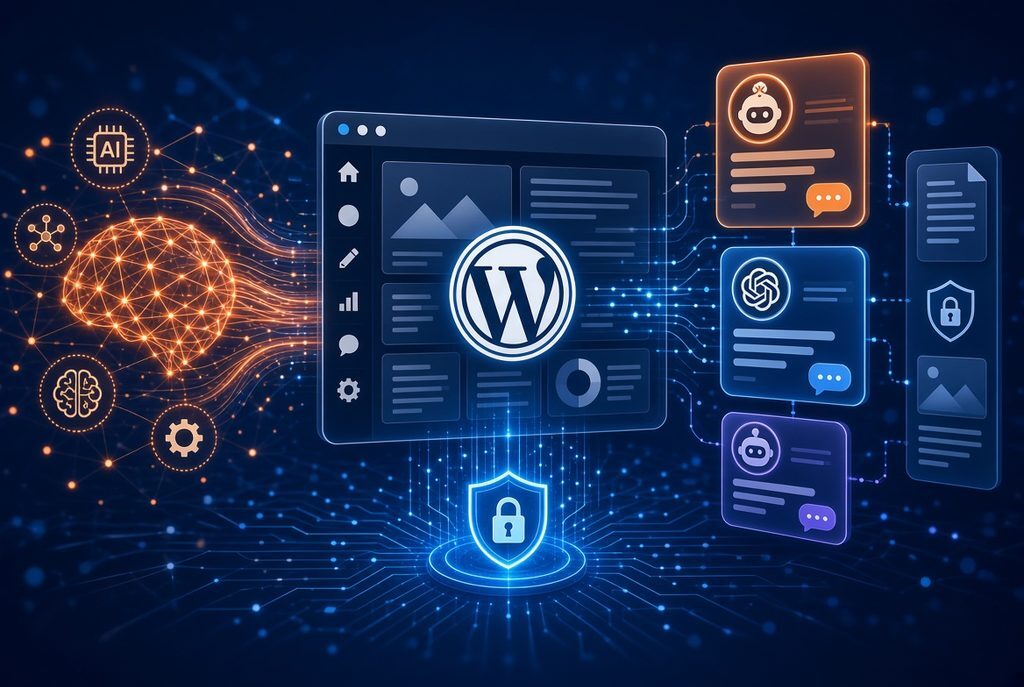
miniOrange Secure MCP Server is a WordPress plugin that turns a self-hosted WordPress site into a Model Context Protocol (MCP) server. MCP is an open standard that lets AI clients discover and call tools/resources in a structured way. Once connected, AI assistants such as ChatGPT, Claude, Cursor, Gemini, Windsurf, Grok, and other MCP-compatible clients can read site information and perform actions through natural-language chat instead of the admin dashboard.
It builds on the WordPress Abilities API introduced in WordPress 6.9. Abilities registered by core, themes, and plugins become discoverable MCP tools. The plugin emphasizes security and governance: AI never receives a WordPress password, every request runs as a real signed-in WordPress user with capability checks, tools can be enabled or disabled per role, and activity is logged. Advanced features (human-in-the-loop approvals, data-loss prevention/PII redaction, prompt-injection detection, undo/rollback, higher request limits) are available on paid plans.
As of late 2026 the free plugin has 9,000+ active installations and a 5.0 rating on WordPress.org. It exposes roughly 400–483 MCP tools across 30+ categories (WordPress core, block editor, WooCommerce, Yoast SEO, Rank Math, Advanced Custom Fields, Elementor, Kadence, Contact Form 7, WPForms, Gravity Forms, Fluent Forms, and more). Plugin-specific tools appear only when the relevant plugin is active.
Prerequisites
- Self-hosted WordPress 6.9 or later (Abilities API required).
- Publicly reachable site over HTTPS (local, private, or non-HTTPS URLs are not supported because the connection originates from the internet).
- PHP 7.4+ (PHP 8.0+ recommended).
- Free miniOrange Secure MCP Server plugin installed and active (available from the WordPress.org plugin directory).
Step-by-Step Setup
1. Install the plugin
In the WordPress admin, go to Plugins → Add New, search for “miniOrange Secure MCP Server” (or “Secure MCP Server”), install, and activate it. You can also upload the zip manually.
2. Register an AI agent and set permissions
Open the plugin from the admin sidebar and click to register your first agent. Give it a name. Then configure role-based abilities: for example, enable “Get Site Information” (and any content or store tools you need) for the Administrator role while restricting Editors or Contributors to narrower sets. Click Create & Continue. Each WordPress user can later connect their own AI client; actions are always limited to that user’s capabilities.
3. Connect an AI client
In the plugin, under “Connect your AI client,” select the target client. A panel appears with connection details.
- ChatGPT: Click the MCP Server for WordPress link. You are taken to ChatGPT’s plugin/connector page. Install it, enter your site URL, and approve access (OAuth flow).
- Claude: Click the miniOrange MCP for WordPress link, open the connector page, click Connect, enter your site URL, and approve access.
- Other MCP clients (Cursor, Gemini, Windsurf, VS Code, Claude Code, custom agents, etc.): Use the shared connection URL
https://gateway.miniorange.ai/v2/mcp(or the URL shown in the panel). In the client’s MCP/connectors settings, add a remote/custom MCP server with that URL. When prompted, supply your site URL. Complete the OAuth 2.1 sign-in (with PKCE and Dynamic Client Registration) and approve the listed abilities.
The AI never sees your WordPress password. After approval, the abilities you enabled appear as tools in the client. Users can connect multiple clients, each with its own permission set and audit trail. Activity logs and optional debug capture are available in the plugin for monitoring and troubleshooting.
Official setup guides and short videos exist for ChatGPT and Claude on the miniOrange plugins site and YouTube channel.
Security and Governance Highlights
- Self-hosted OAuth 2.1 authorization server with PKCE; discovery metadata is exposed so clients can connect automatically.
- Every call is capability-checked against the authenticating WordPress user.
- Agent Registry for per-role tool grants (tools outside the grant are hidden and cannot be invoked).
- Audit logs of what was done, by which agent/user, and when.
- Optional gateway for routing; core tools run on your site.
- Premium layers add human approval for risky actions, data rules/DLP (masking emails, phones, etc.), prompt-injection detection (blocking hidden instructions in comments, forms, or posts), rate limits, immutable audit trails, and undo of supported actions within a time window (e.g., 72 hours via backups).
- Dangerous routes (plugin/theme installs, certain bulk operations) are blocked by design.
This is more governance-focused than a bare official WordPress MCP Adapter or simpler REST-based MCP servers that rely on application passwords.
Valuable Use Cases
The combination of a large pre-built tool catalog, role scoping, and natural-language interface enables practical workflows across content, commerce, SEO, design, and operations. Examples drawn from miniOrange documentation and plugin descriptions include:
- Content planning and publishing: “Write a blog post about our summer sale, add it to the News category, set a featured image, and schedule it for Monday 9 AM.” The AI can draft, categorize, schedule, duplicate, set templates, or restore revisions. Block-by-block editing is supported so changes stay precise.
- Page-builder work without the visual editor: Edit text, images, links, or individual elements in Elementor, Kadence, or (on higher tiers) Divi layouts. The rest of the page remains intact; cache is cleared and draft preview links can be generated.
- WooCommerce store management: Create or update products (including variations, attributes, prices, and stock), check orders, look up customers, issue refunds, manage coupons, or pull sales reports—“Find all products under ₹500 and put them on a 20% sale until Sunday.”
- SEO automation: Bulk-update or generate SEO titles, meta descriptions, focus keyphrases, Open Graph tags, and schema via Yoast SEO or Rank Math. “Write meta descriptions for every post that doesn’t have one.”
- Custom content and fields: Manage custom post types, service pages, event calendars, or Advanced Custom Fields (groups, repeaters, flexible content, relationships) within the granted permissions.
- Forms and leads: Review, mark as read, export (CSV), or delete submissions from Contact Form 7, WPForms, Gravity Forms, or Fluent Forms.
- Moderation and site hygiene: Approve or reply to comments, flag spam, manage user accounts and roles, check plugin/theme updates, or review site health.
- Safe experimentation: Preview theme or template changes (headers, footers, colors, fonts) in private drafts before publishing; supported actions can be rolled back.
These use cases reduce context-switching between the admin dashboard, page builders, and external AI chats. Because permissions are role-scoped, an editor might be limited to content tools while an administrator retains broader store or user-management access. Team members each connect with their own WordPress login.
Limitations and Considerations
- Requires a publicly reachable HTTPS site; local development environments need a tunnel or staging URL.
- Free plan includes a daily request limit (example figures cited around 100/day); higher tiers raise the limit and unlock premium tools and governance features. Request packs can be purchased.
- Tool availability depends on installed plugins and the abilities you explicitly enable.
- AI clients must support OAuth 2.1 with PKCE and Dynamic Client Registration for seamless connection.
- Always review the Activity log, especially when first testing write actions. Start with a narrow set of abilities and expand as trust and processes develop.
In short, the miniOrange Secure MCP Server provides a practical, security-conscious way to let modern AI clients operate on a WordPress site through the standard MCP interface. Install the free plugin on a qualifying site, define role-based abilities, complete the OAuth connection for your preferred client, and begin issuing natural-language requests that stay within the permissions you set. Official documentation, connection guides, and the plugin listing on WordPress.org contain the most current screenshots, exact tool counts, and pricing details.
Citations
- How to Connect WordPress to AI Agents Using MCP Server — https://plugins.miniorange.com/connect-ai-agents-to-wordpress-using-mcp-guide
- WordPress MCP Server product page (features, tools, pricing, use cases) — https://plugins.miniorange.com/mcp-server-ai-policy-enforcement-wordpress
- Secure MCP Server for Claude, ChatGPT, Gemini and other AI Agents (WordPress.org) — https://wordpress.org/plugins/miniorange-secure-mcp-server/
- ChatGPT-specific setup guide — https://plugins.miniorange.com/setup-chatgpt-to-wordpress-abilities-api-using-mcp
- MCP server listing details (tools, connection URL) — https://mcp.so/servers/miniorange-wordpress-mcp-server-4d77c2
- What is an MCP Server and How It Works? (miniOrange blog) — https://www.miniorange.com/blog/what-is-an-mcp-server/
- Related WordPress Abilities API and official MCP Adapter context — WordPress Developer Blog and GitHub WordPress/mcp-adapter resources