
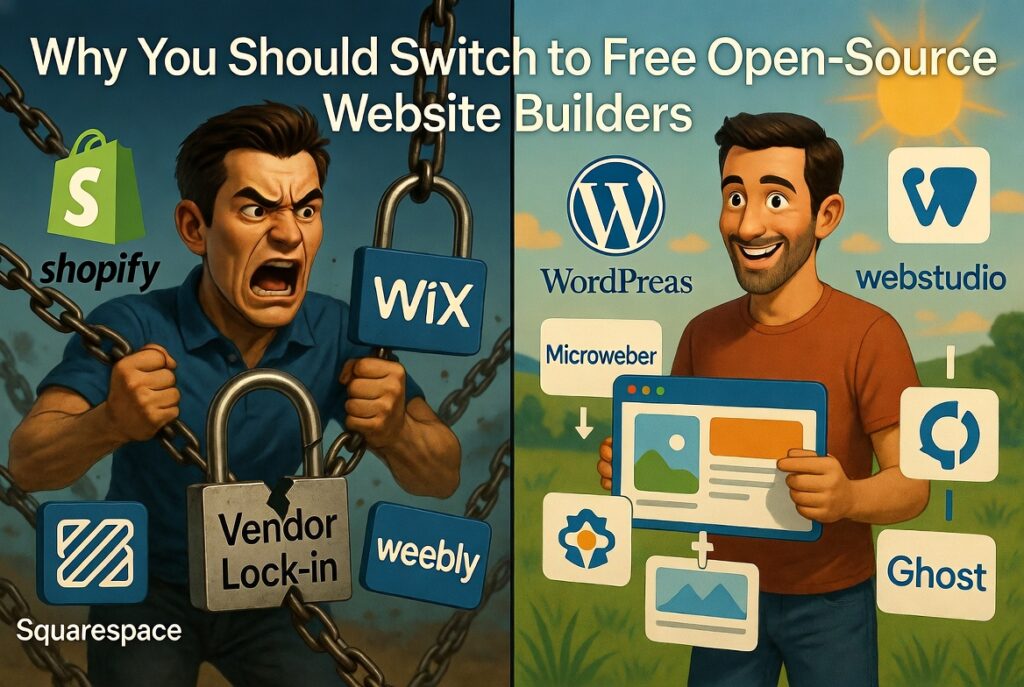
If you’ve ever used a website builder like Wix, Squarespace, Webflow, or similar tools, you probably loved how easy it looked at first. But over time, many people get frustrated when they realize they don’t really own their website.
The Big Problem with Most Popular Website Builders
These popular platforms are convenient, but they have some serious downsides:
- You don’t truly own your site — Your design, content, and pages are stuck inside their system. If you want to move to another service, you often can’t take everything with you cleanly.
- Costs keep going up — Many start cheap or free, then charge more as you need extra features, more visitors, or better tools.
- You’re locked in — Changing hosts or moving your site is difficult or expensive. You depend completely on that one company.
- Limited control — You can’t see or change the inner workings. If the company changes rules, raises prices, or has problems, your site suffers too.
- Privacy worries — Your information and visitor data live on their servers, not yours.
In simple terms: It feels like renting a house where the landlord can change the locks or raise rent anytime — and you can’t easily move your furniture.
A Much Better Way: Free Open-Source Website Tools
There’s a great alternative. These are called free and open-source website builders.
What does that mean in plain English?
They are completely free to use. Anyone can see how they work, improve them, and share them. Most importantly, you can install them (or move them with 1 click down the road) with any web hosting company. This means:
- You fully own your website
- You can move it to any host anytime without starting over
- No monthly fees for the software itself (you only pay for basic hosting, often just a few dollars a month)
- You can customize it however you want
- Your site is more private and secure because it lives on your chosen server
Think of it like owning your house instead of renting. You can paint the walls, add rooms, or move to a new neighborhood whenever you like.
Best Beginner-Friendly Open-Source Options
Here are the easiest and most popular ones you can install with just a few clicks:
1. WordPress (The Most Popular Choice)
Powers millions of websites worldwide. It’s free and open-source.
With free plugins like Elementor or SiteOrigin, it becomes a true drag-and-drop builder — you see exactly what your site looks like while editing.
Great for any type of site: blogs, business pages, organizations, or small shops. Very easy to move between hosts.
2. Microweber (Easiest for Beginners)
This one is built to feel simple and visual right from the start.
- Real drag-and-drop editing
- You see changes live as you make them
- Comes with ready-made templates and shopping features
Many people say it’s much less stressful than WordPress.
Perfect if you want something quick and friendly.
3. Webstudio
A newer, modern option that feels like some paid builders but is completely free and open-source.
Excellent for clean, professional designs with lots of visual control.
4. Other Good Choices
- Joomla or Drupal — Strong and reliable for bigger or more complex sites.
- Ghost — Super clean and fast if you mainly want a blog or newsletter.
- Grav or Publii — Lightweight options that don’t even need a database (very fast and simple).
All of these can be installed on regular web hosting and moved anywhere.
How to Get Started (Even If You’re Not Tech-Savvy)
- Choose your hosting and support — Look for a reliable web host that offers easy one-click installs for open-source platforms like WordPress, Microweber, or others. Many affordable shared hosting plans work great.
- For a smooth experience — especially if you want expert help moving away from a locked-in platform — I recommend SiteLiberator.com (run by LonestarDomains.com). They specialize in expert migrations to open-source solutions such as WordPress and can assist with transitions to other free platforms like Microweber, making the switch simple and stress-free so you truly own your site and data.
- Log into your hosting control panel (called cPanel).
- Look for Softaculous or Installatron — search for the software name (Microweber, WordPress, etc.), click Install, and answer a few simple questions.
- Start building! Most have ready templates to choose from.
Tip: Start with a test site on a cheap plan or even a free subdomain to try it out first.
Final Encouragement
Moving to a free open-source website tool might feel like a small step now, but it gives you freedom and peace of mind for years to come. No more worrying about sudden price increases or being trapped.
You don’t need to be a computer expert. Hundred of thousands of regular people successfully run their own sites this way every day.
Start small — try Microweber or WordPress with Elementor on a test site. Once you experience full control over your website, you’ll never want to go back to locked-in platforms again.
Your website should belong to you — not to a company that can change the rules anytime.